

Save the completed document as a PDF by holding down Ctrl + P (Windows) or Cmd + P (Mac), then select printer as Microsoft Print to PDF, Save as PDF, or Adobe PDF to save in your updated document.

Click the link to download the file to your computer and open the document in your preferred pdf application. You will not have full customization capabilities through web browser.

Get to Know Via Benefits
These materials can be used to communicate with individuals who will have access to Via Benefits to help them understand how it works and what’s available.

Click into the fields to add your organization-specific text and upload your logo and personalized QR code. Be sure to delete <> when done.

Key Messages:
- Health coverage decisions can be complex
- Via Benefits is a trusted, un-biased resource
- Support is available when coverage changes occur
- Personalized guidance helps people make informed decisions
To customize an asset:

Select your communication asset from the appropriate scenario page.
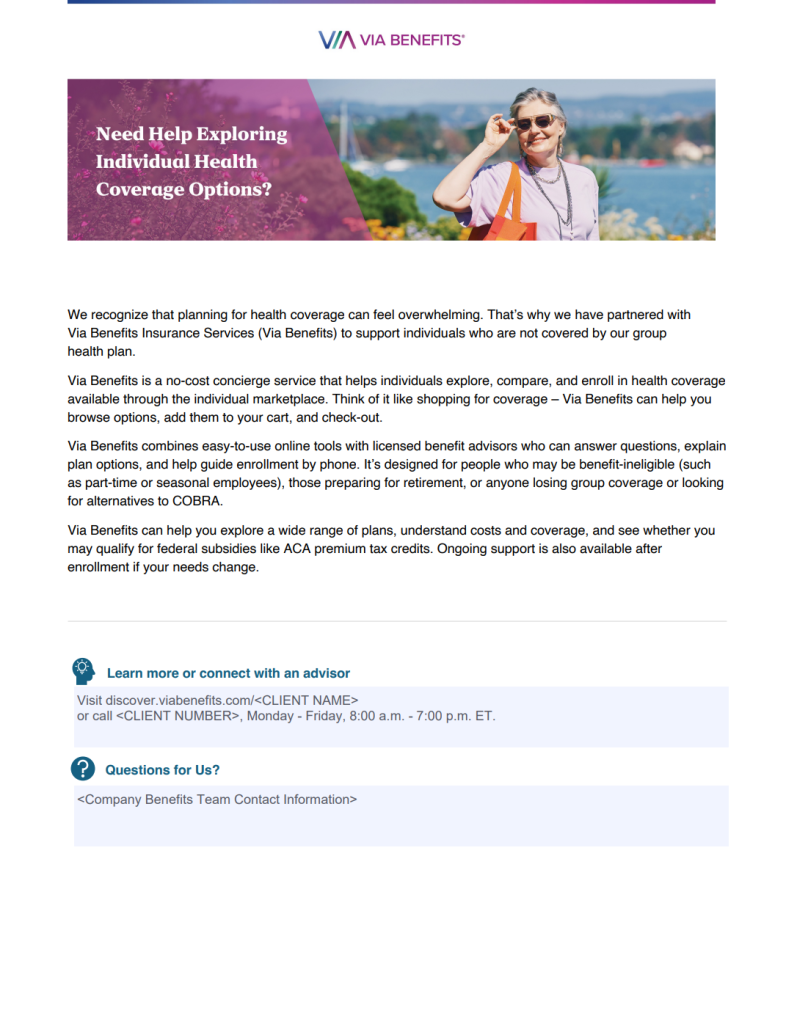

Downloadable assets:
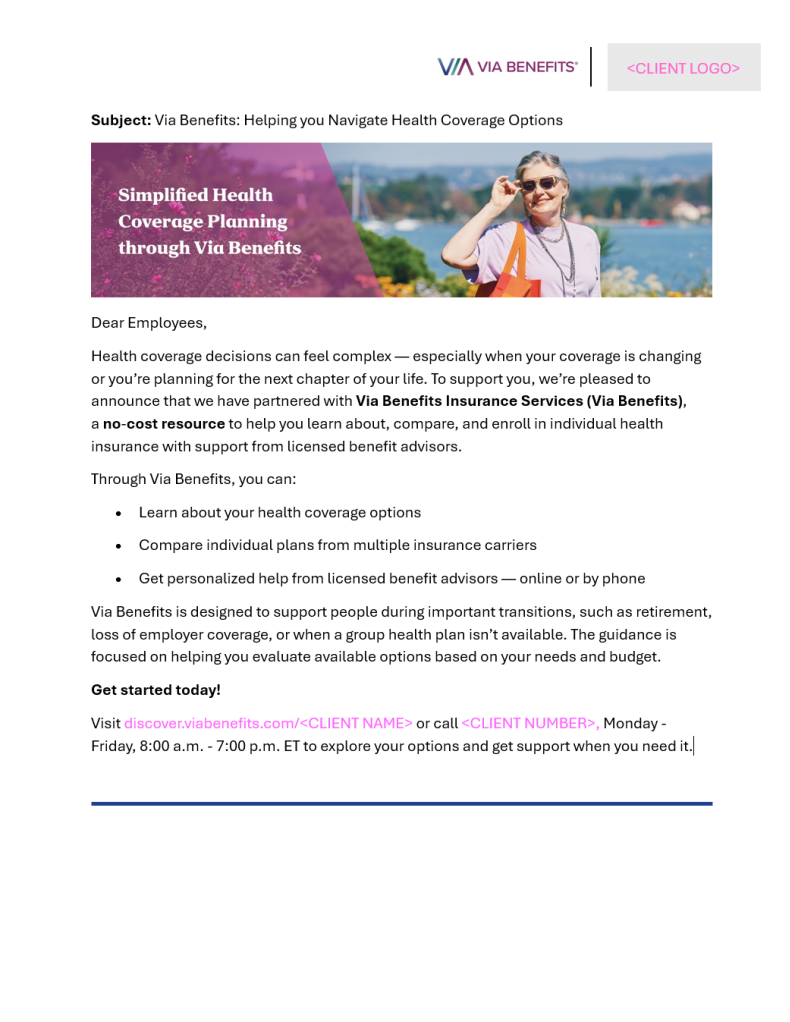

Look for fields enclosed in <>. Also look for the image placeholder next to the Via Benefits logo and for the QR code. These indicate areas that can be customized to your organization.
Videos and webinars:
- What is Via Benefits
- Introducing Via Benefits for Individual and Family Plans
- Sign Into Via Benefits and Create a Profile
- Shop and Enroll in Medicare Coverage Using Via Benefits
- Prepare and Enroll Using the Via Benefits Health Insurance Marketplace
- Shop and Enroll in an Individual and Family Plan Using Via Benefits
